- Home
- Products
- Bait Boat
- Standard Bait Boat (Urban camo) Bait Boat BT2 (Camo) Bait Boat BT3 (Green) Baitboat Bag 16 battery pack Handset case Handset V3 Handset V2 USBCHARGER 8 battery pack
- Sonar
- Integrated Sonar BaitBoat (BT7) Castable sonar (BT12) Mount sonar (BT5) Build-in Sonar kit (BT6) Integrated Sonar Bait Boat (BT8 Camo) WiFi extender (BT4) Phone & controller holder (BT10) Pad & controller tri-stand (BT11)
- Bite Alarm
- K15/R15 Bite alarm set NK9S Bite alarm NS9pro Bite alarm Smart Bivvy Light Ultra K16 Anti-theft alarm NTH9S
- Products
- Timeline
- Support
- About us
- Login

 (1).png)
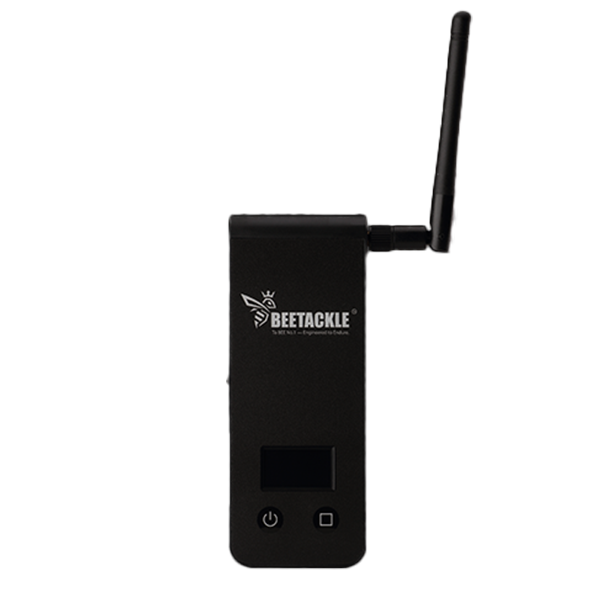
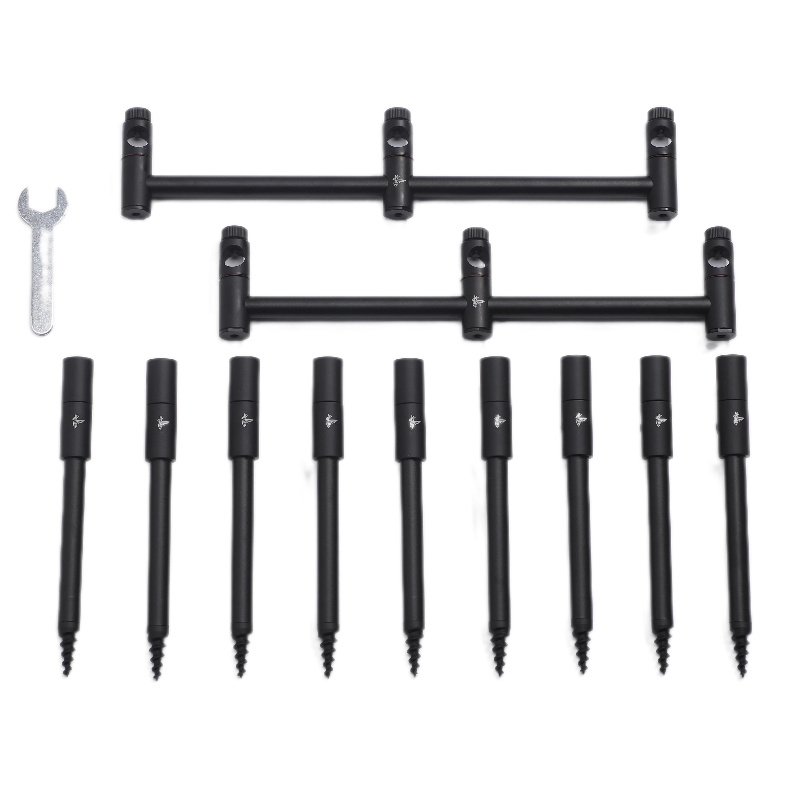
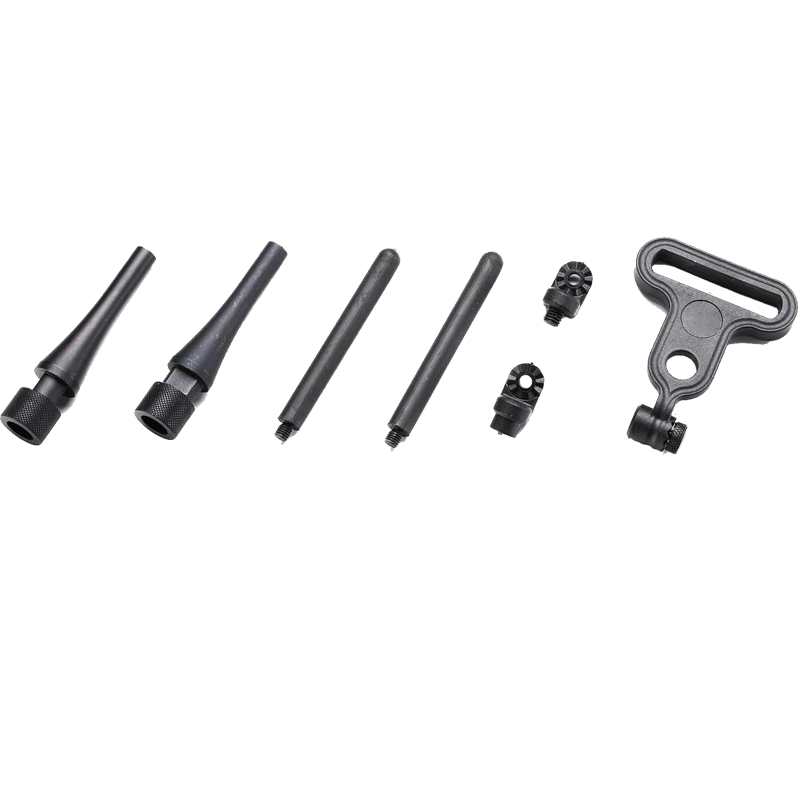



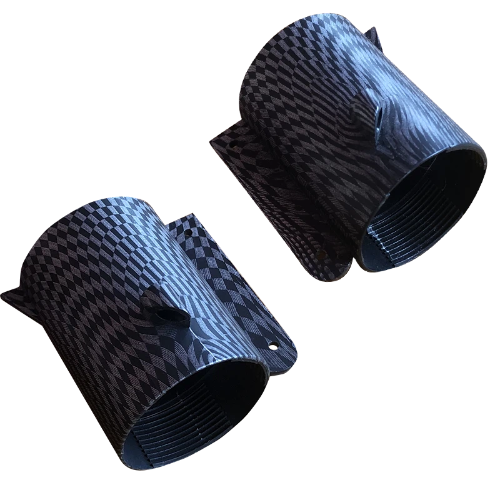
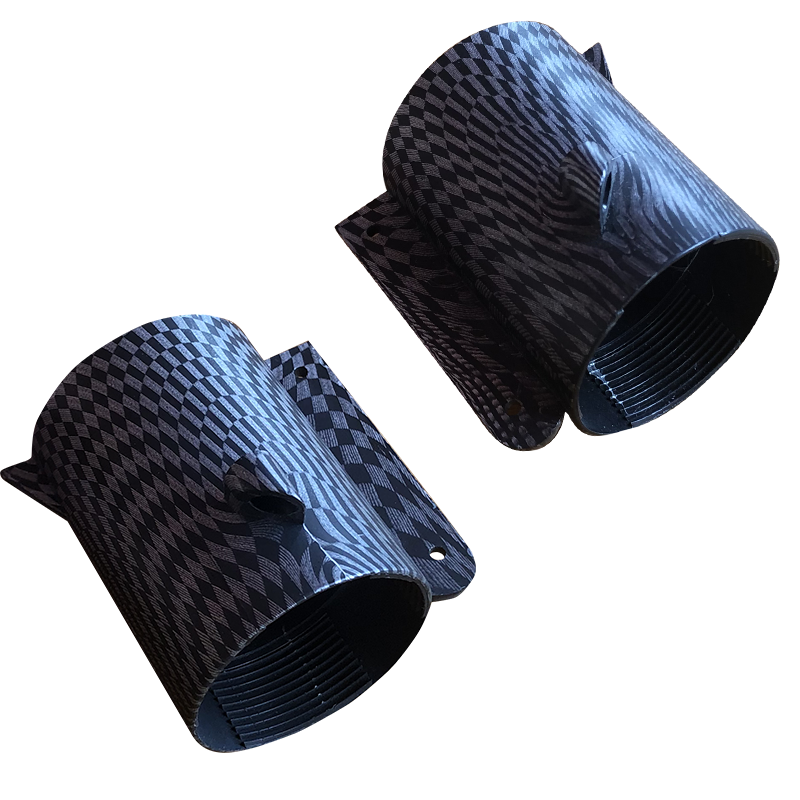


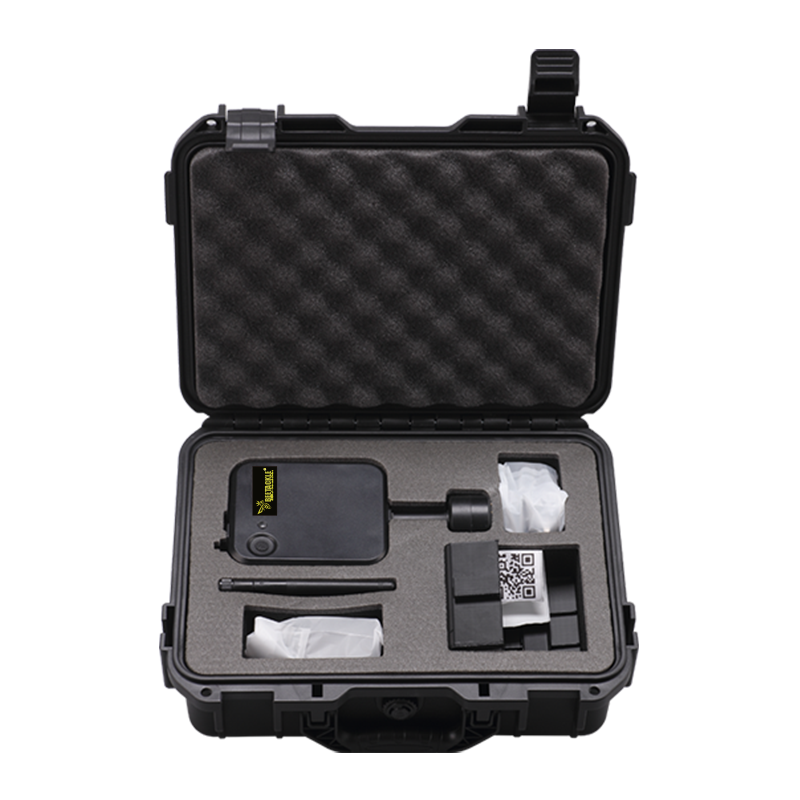
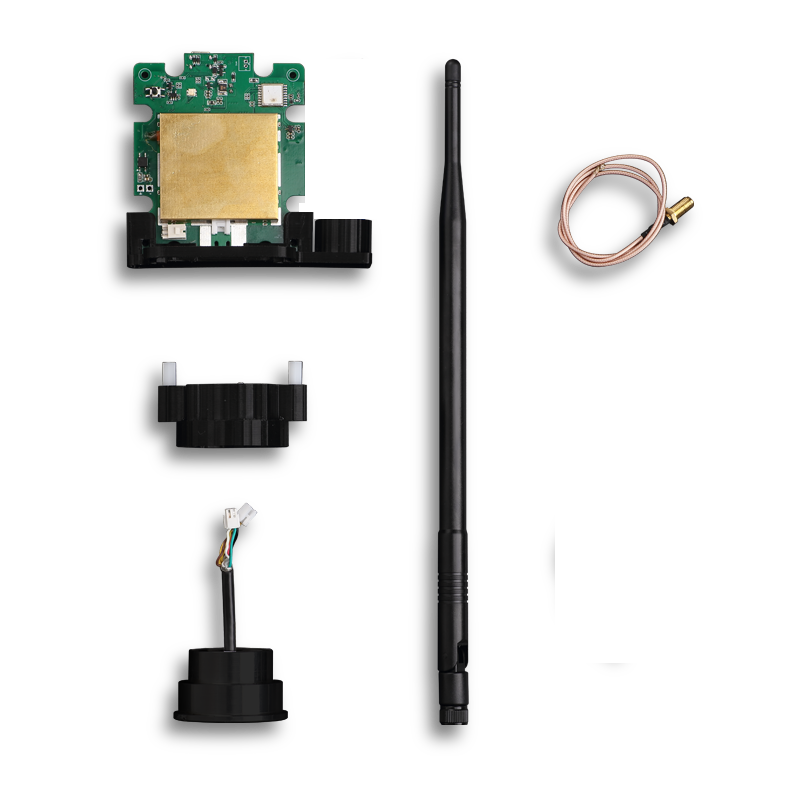
BEETACKLE WIFI Extender User manual
The extender works like a link between your phone and the sonar.
Your sonar sends the underwater information to the extender, and the extender sends it back to your phone. This gives you a longer wireless range and lets you view the sonar screen even when you are further away from the water.
Overview
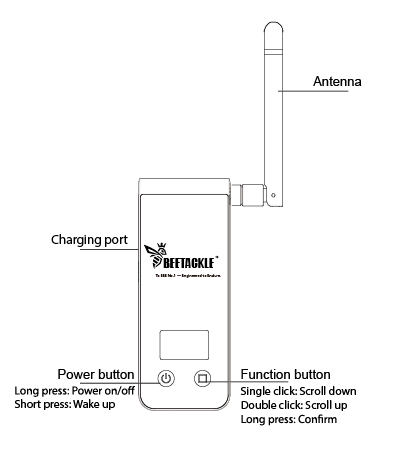
- Press and hold the Power ON/OFF button to turn on the WiFi extender.
- Press and hold the Scan button to enter the scanning screen.
- Double-click the Power ON/OFF button to restore the factory settings.
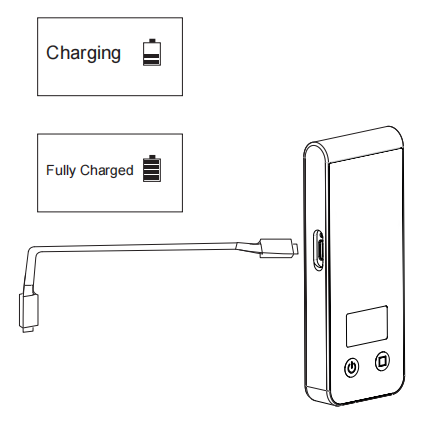
Charing
1. First, remove the rubber cover protecting the charging port. Please ensure the device is completely dry before opening it.
2. Next, connect your Wi-Fi extender to a power source using the provided cable.
3. Once connected, the extender’s screen will display 'Charging.'
How to Set Up Sonar and Wi-Fi Extender
1. Turn on the Wi-Fi Extender:
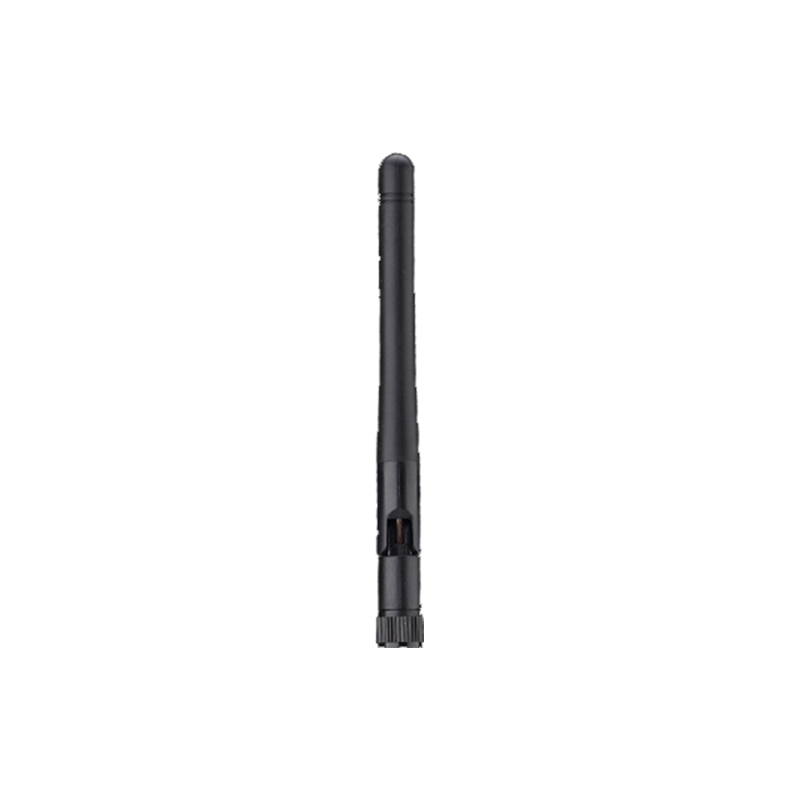
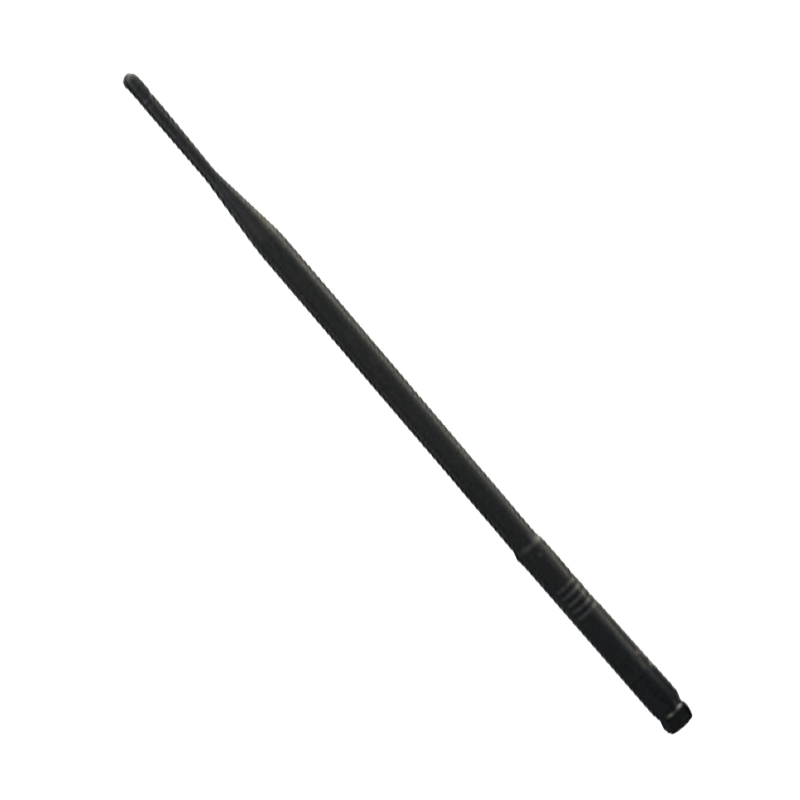
○ Install the antenna first.
○ Long-press the left button to power on the Wi-Fi extender.
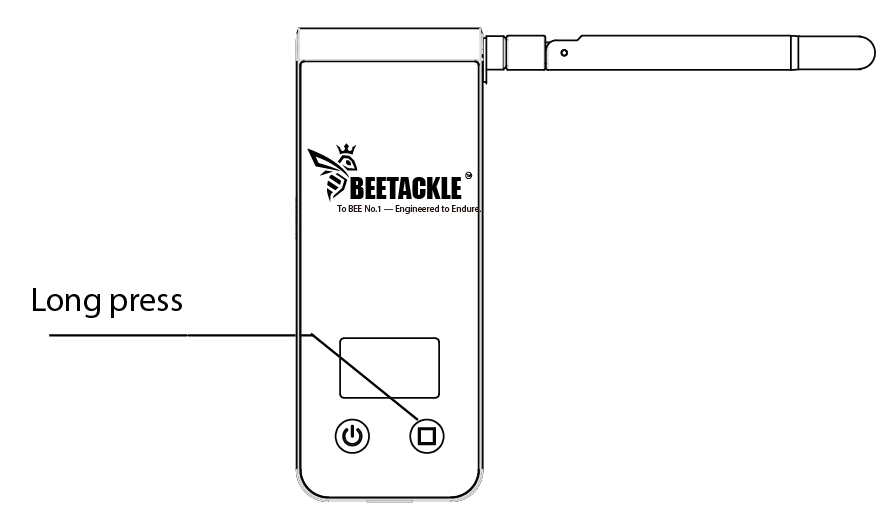
2. Turn on the Sonar:
○ Long-press the middle button to activate the sonar.

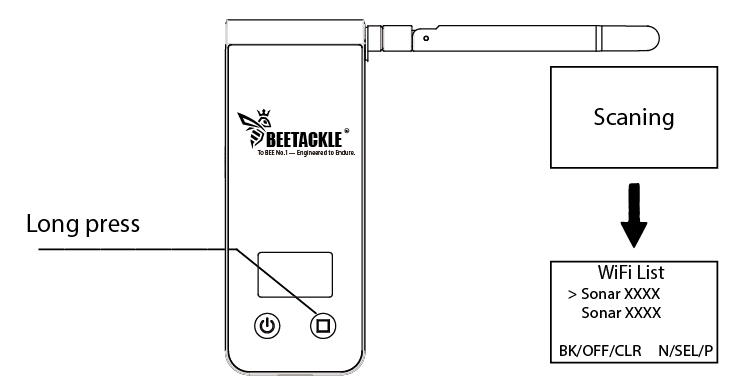
3. Scan for Wi-Fi Networks:
○ Long-press the right button to initiate a scan and enter the Wi-Fi list.
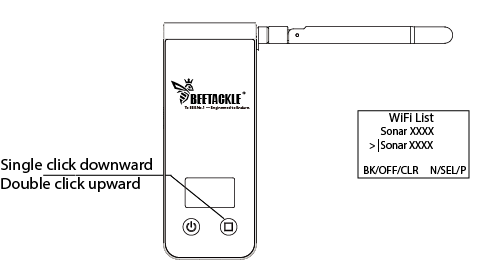
4. Select Your Sonar:
○ Click the right button to choose your sonar from the list.
5. Establish Connection:
○ Long-press the right button again to connect to the selected sonar.
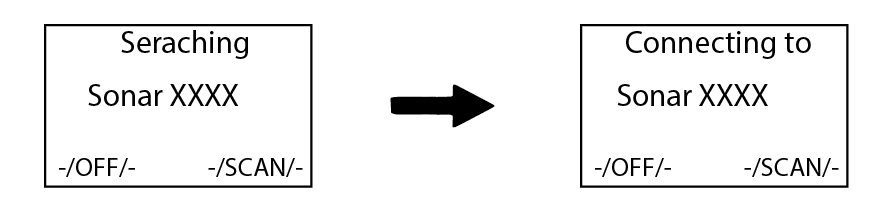
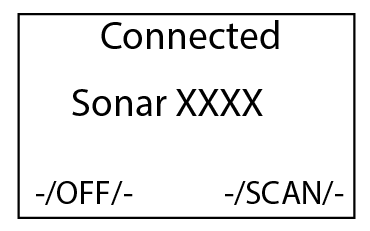
6. Confirmation:
○ Once the screen displays 'Connected,' the setup is complete.
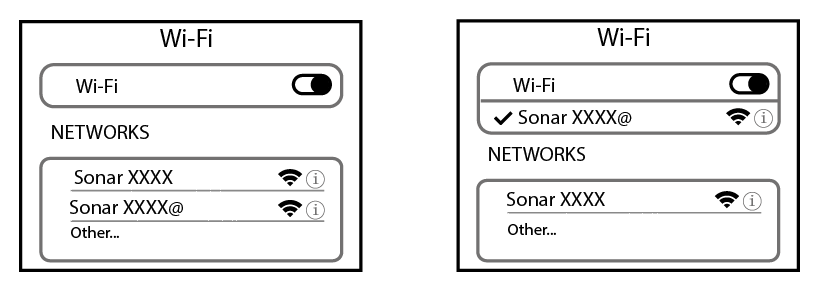
Note: After a successful connection, your phone will detect a Wi-Fi network
named 'SSID+@.' Connect to this network to proceed.
How to Use Wi-Fi Extender with BEETACKLE Sonar
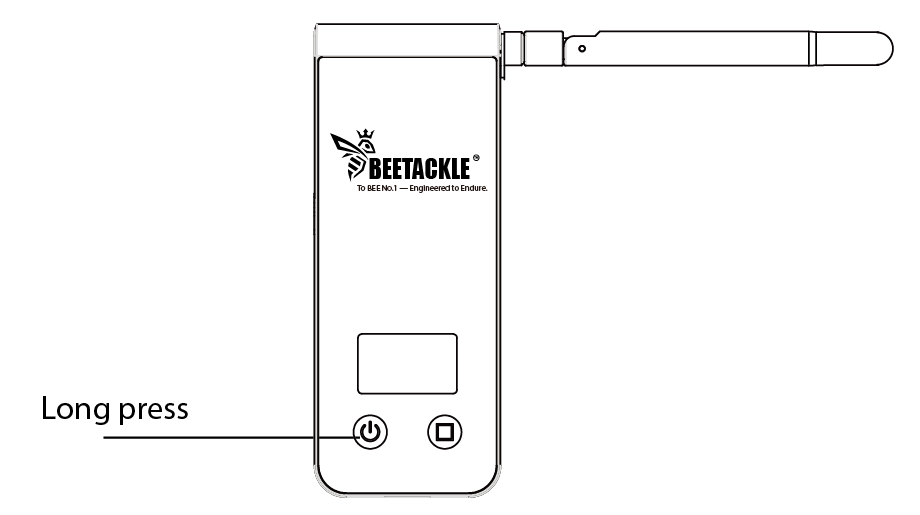
1. Power on the Wi-Fi Extender:
○ Long-press the left button to turn on the Wi-Fi extender.
2. Power ON the BEETACKLE Sonar:
○ Long-press the ON/OFF button to power on the BEETACKLE sonar.

3. Automatic Connection:
○ The Wi-Fi extender will automatically connect to the sonar.

4. Confirmation:
○ Once the screen displays 'Connected,' the connection is successfully established.

5. Connect via App:
○ Open the BEETACKLE Fish Finder App and connect to the Wi-Fi extender (SSID+@).