- Home
- Products
- Bait Boat
- Standard Bait Boat (Urban camo) Bait Boat BT2 (Camo) Bait Boat BT3 (Green) Baitboat Bag 16 battery pack Handset case Handset V3 Handset V2 USBCHARGER 8 battery pack
- Sonar
- Integrated Sonar BaitBoat (BT7) Castable sonar (BT12) Mount sonar (BT5) Build-in Sonar kit (BT6) Integrated Sonar Bait Boat (BT8 Camo) WiFi extender (BT4) Phone & controller holder (BT10) Pad & controller tri-stand (BT11)
- Bite Alarm
- K15/R15 Bite alarm set NK9S Bite alarm NS9pro Bite alarm Smart Bivvy Light Ultra K16 Anti-theft alarm NTH9S
- Products
- Timeline
- Support
- About us
- Login


 (1).png)
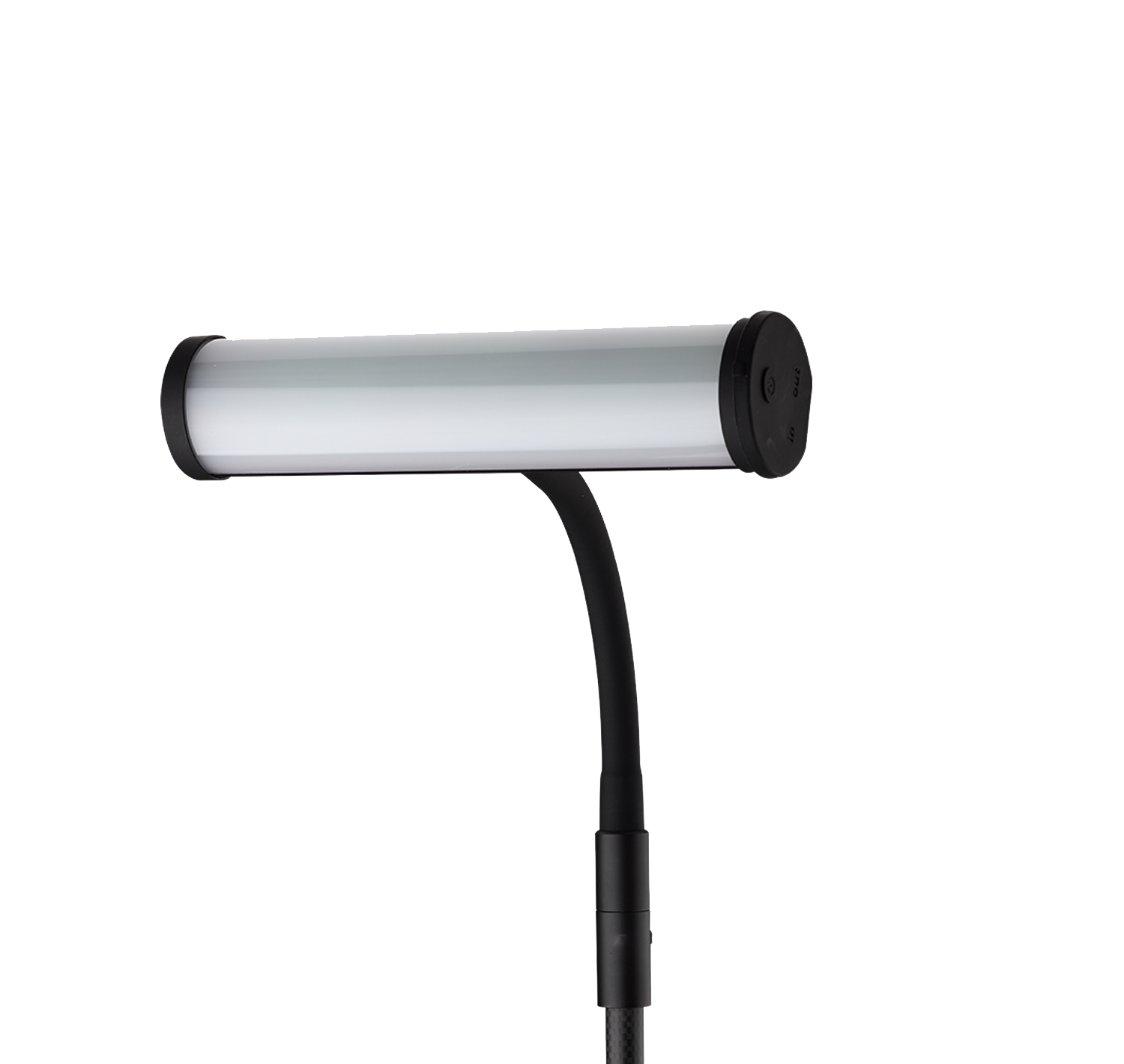
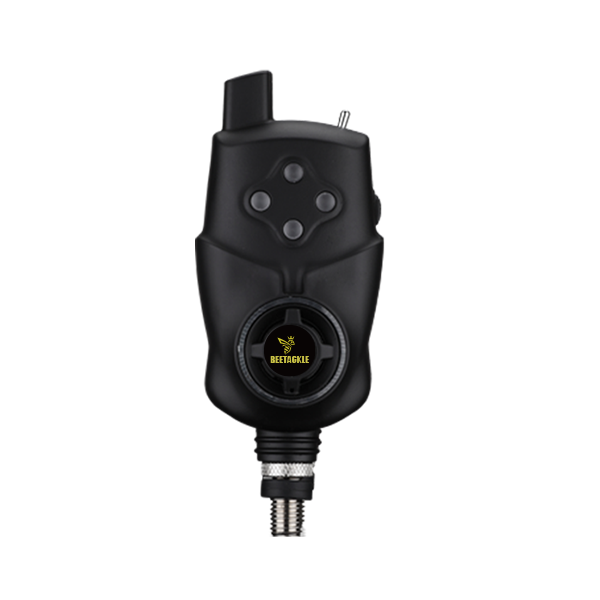
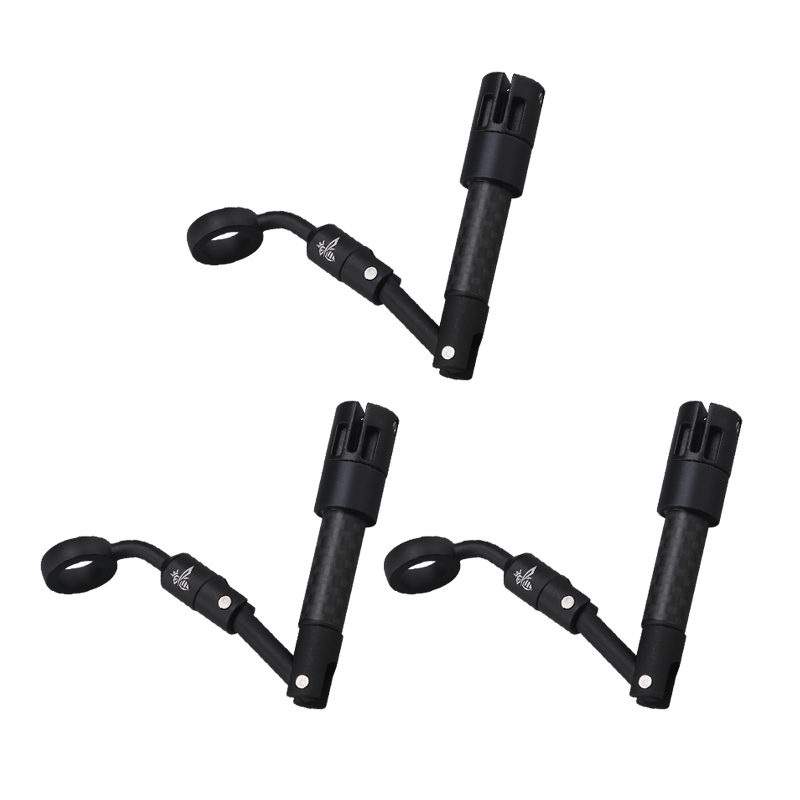
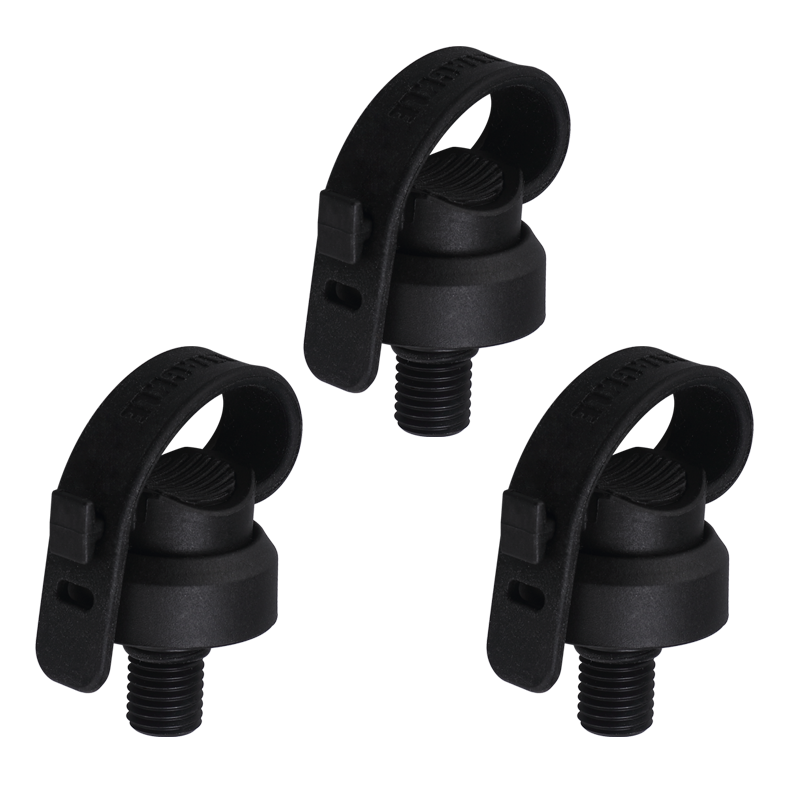
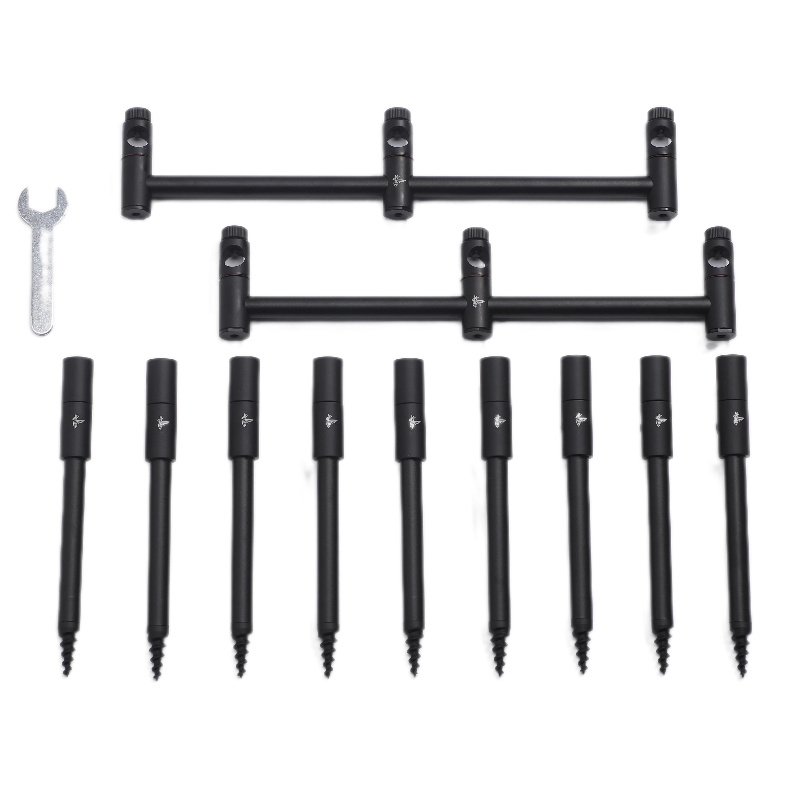
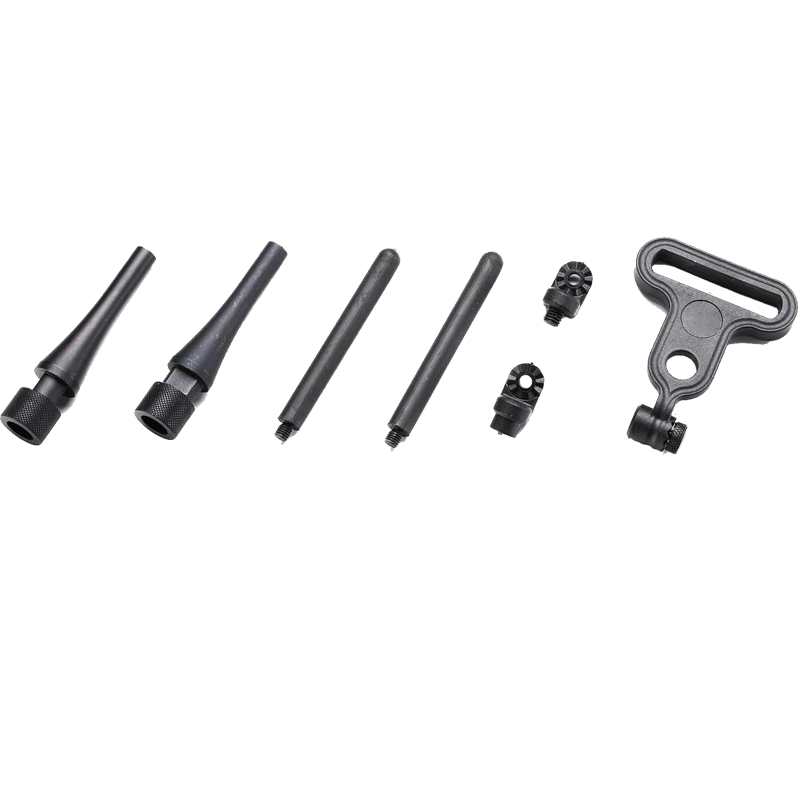
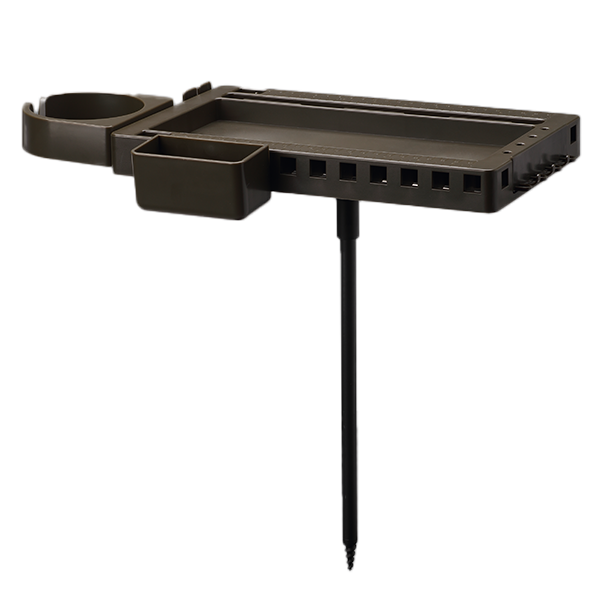
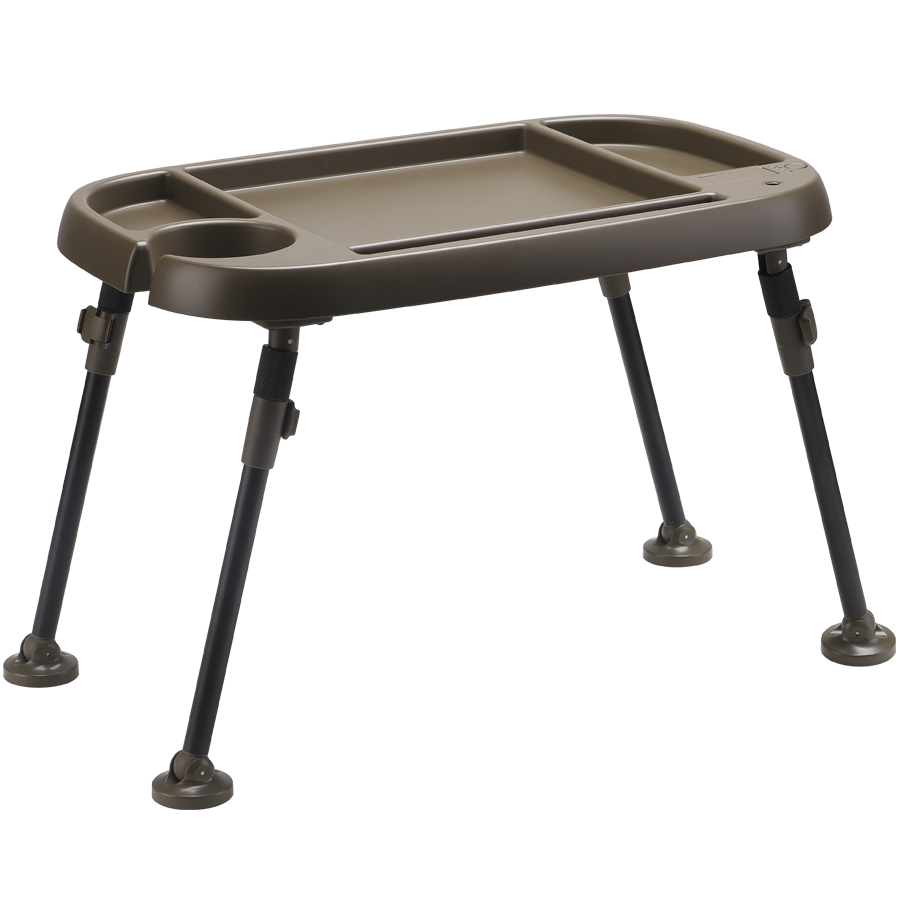






BEETACKLE ANTI-THEFT ALARM NTH9S
Overview
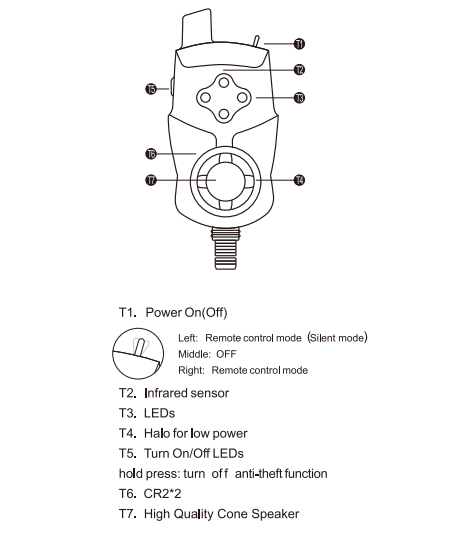
NR9S Receiver HOW TO REGISTER ANTI-THEFT ALARM NTH9S
1. Turn on the NR9spro+ receiver.
2. Press the multi-function button on the receiver down and
hold it to enter system menu.
3. Scroll down and choose "Register Alarm" menu.
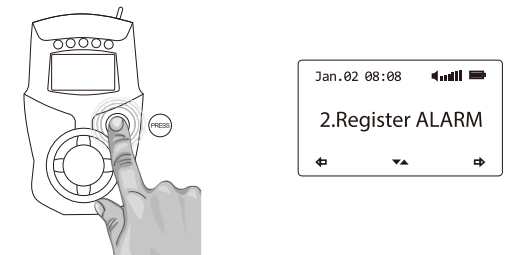
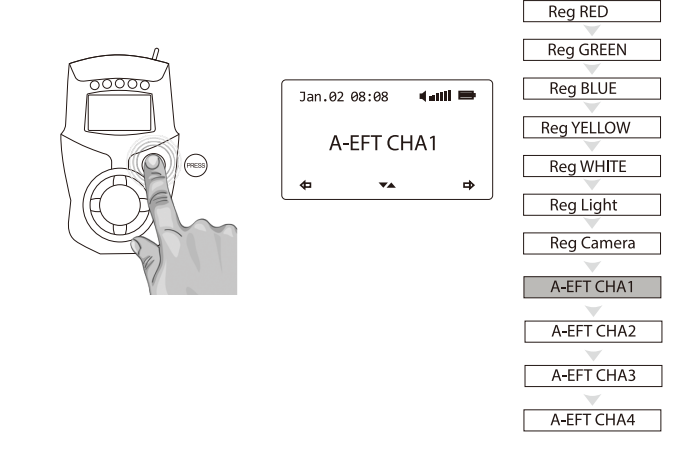
4. Choose one of the A-EFT channels (A-EFT CHA1, A-EFT CHA2, A-EFT CHA3,
A-EFT CHA4). We recommend to start with A-EFT CHA1. Press the button down
to select the channel.
5. Turn on the TH9s Anti-Theft Alarm.
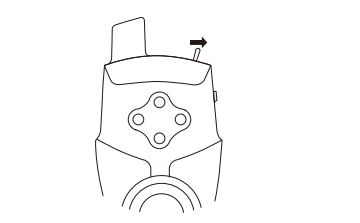
6. Press the right button on the NTH9s twice.
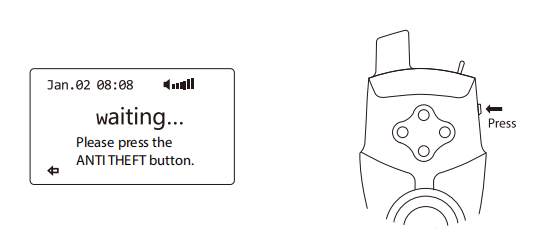
7. Registration was successful when the display shows “SUCCESS”
NS9Rpro+ Receiver HOW TO REGISTER ANTI-THEFT ALARM NTH9S
1. Turn on the NS9Rpro+ receiver.
2. Press the multi-function button on the receiver down and
hold it to enter system menu.
3. Scroll down and choose "Register Alarm" menu.
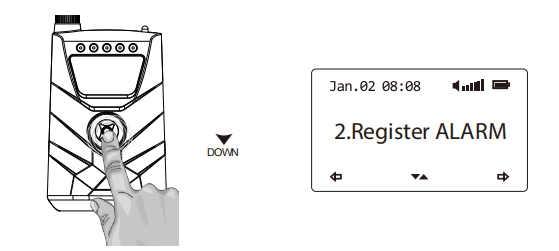
4. Choose one of the A-EFT channels (A-EFT CHA1, A-EFT CHA2, A-EFT CHA3,
A-EFT CHA4). We recommend to start with A-EFT CHA1. Press the button down
to select the channel.
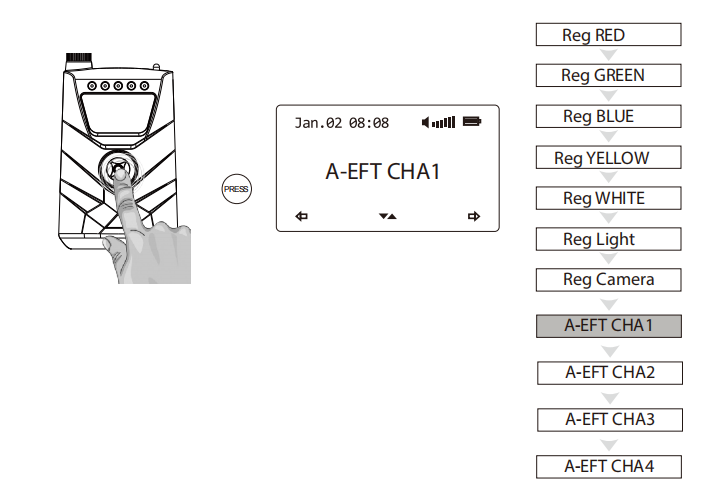
5. Turn on the NTH9s Anti-Theft Alarm.
6. Press the right button on the NTH9s twice.
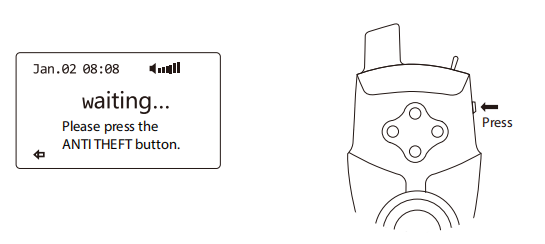
7. Registration was successful when the display shows “SUCCESS”.
R15 Receiver HOW TO REGISTER ANTI-THEFT ALARM TH9S
1. Turn on the R15 receiver.
2. Press the multi-function button on the receiver down and
hold it to enter system menu.
3. Scroll down and choose "Register Alarm" menu.
4. Choose one of the A-EFT channels (A-EFT CHA1, A-EFT CHA2, A-EFT CHA3,
A-EFT CHA4). We recommend to start with A-EFT CHA1. Press the button down
to select the channel.
5. Turn on the NTH9s Anti-Theft Alarm.
6. Press the right button on the NTH9s twice.
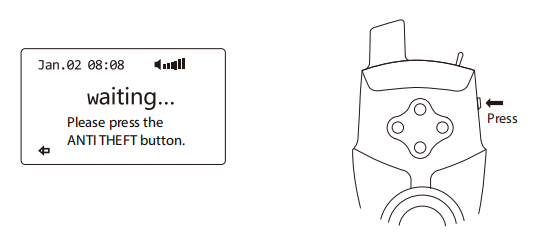
7. Registration was successful when the display shows “SUCCESS”.
H10 Headtorch HOW TO REGISTER ANTI-THEFT ALARM NTH9S
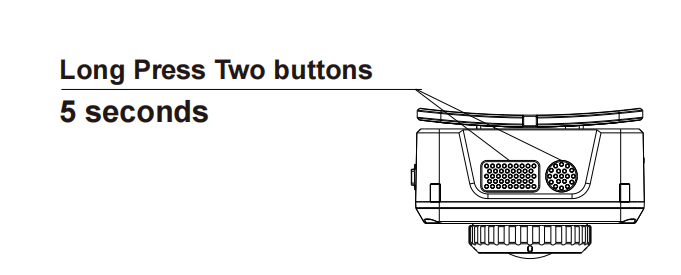
1. Turn on the H10 headtorch.
2. Turn on the NTH9s Anti-Theft Alarm
3. Enter register mode on the NH10 by pressing and holding the two
buttons down for 5 seconds.
The LED on the headtorch will flash.
4. Press the right button on the NTH9s twice.
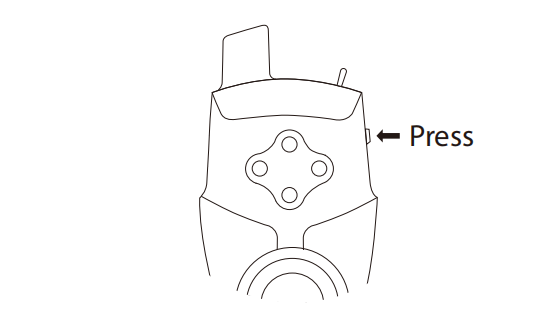
5. The registration was successful when the LED lights up.
Smart Bivvy Light Ultra HOW TO REGISTER ANTI-THEFT ALARM NTH9S
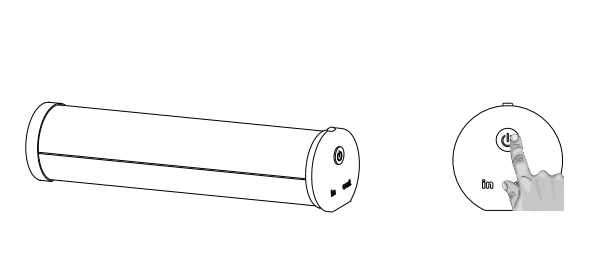
1. Turn on the Smart Bivvy Light Ultra.
2. Turn on the Anti-Theft Alarm
3. Double-click the button of the bivvy light; the light will flash red.
4. The flashing color indicates the channel. You can switch between
the channels by clicking on the button. You must select the purple channel.
5. As soon as the Bivvy light flashes in purple, press the button on the
NTH9s Anti-Theft Alarm. Purple channel is the Anti-Theft channel.
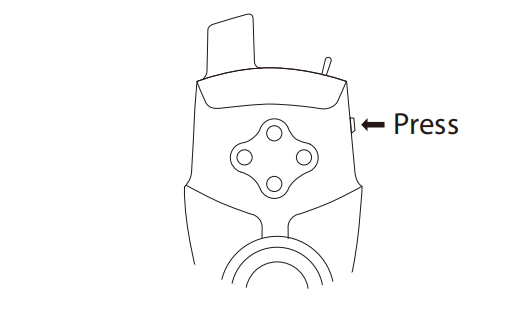
6. The light will shortly flash when the operation was successful.